Pledgivo
Fundraising that runs where your donor data already lives.#
A native AppExchange managed package for donations, recurring giving, campaigns and ticketed events. The donation form, the payment processing and the donor records all run inside your org — no external platform, no sync job, no second permission model.
$49 a month per fundraising admin, after a 5-day free trial — donors never need a licence. Every feature, unlimited donations, and never a percentage of what you raise. Three licences minimum, so the whole org starts at $147 a month. See pricing
The overview film1:29 · captions included
What it does
Six capabilities, one pipeline, one set of records.
Donations & payments
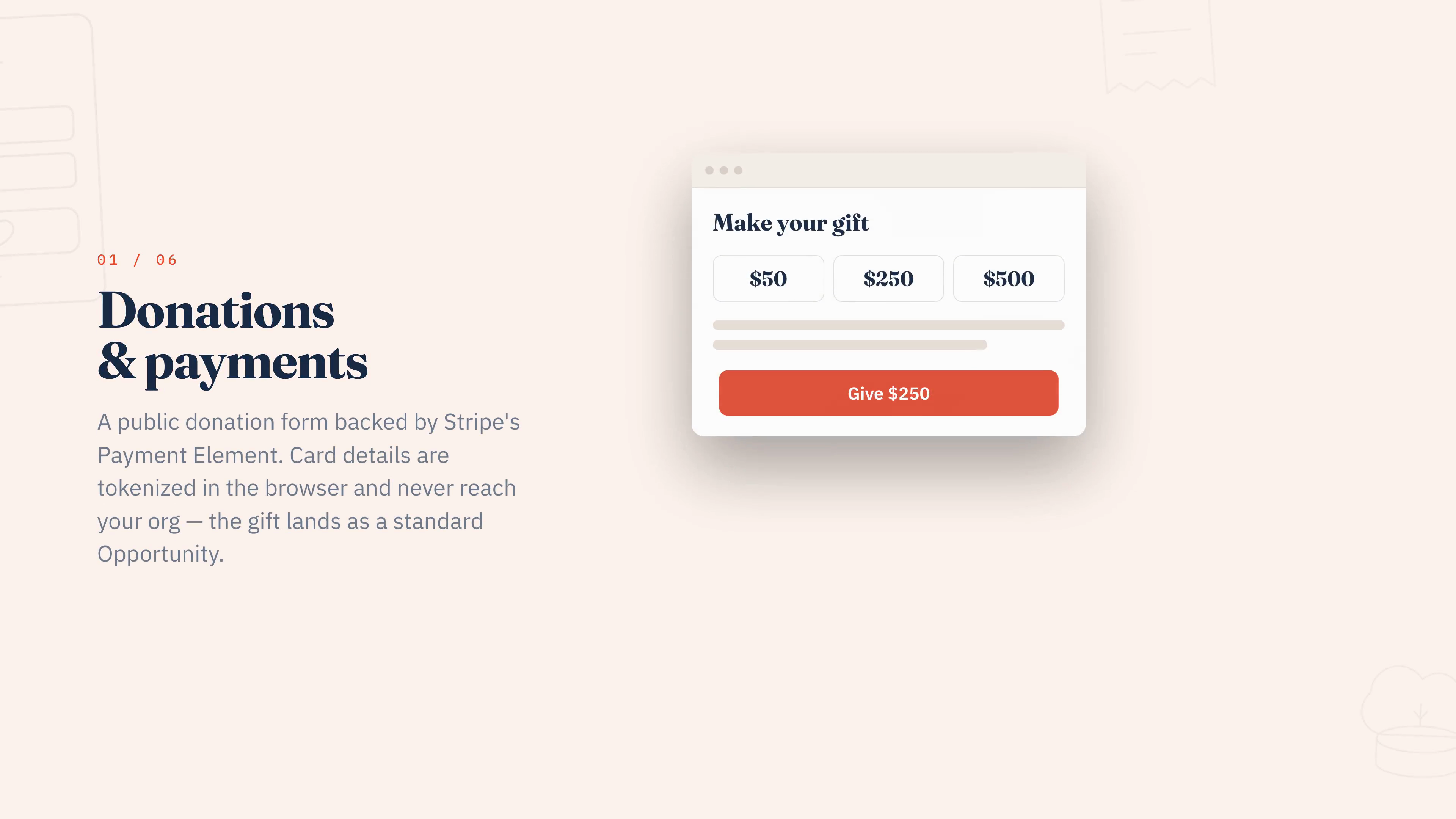
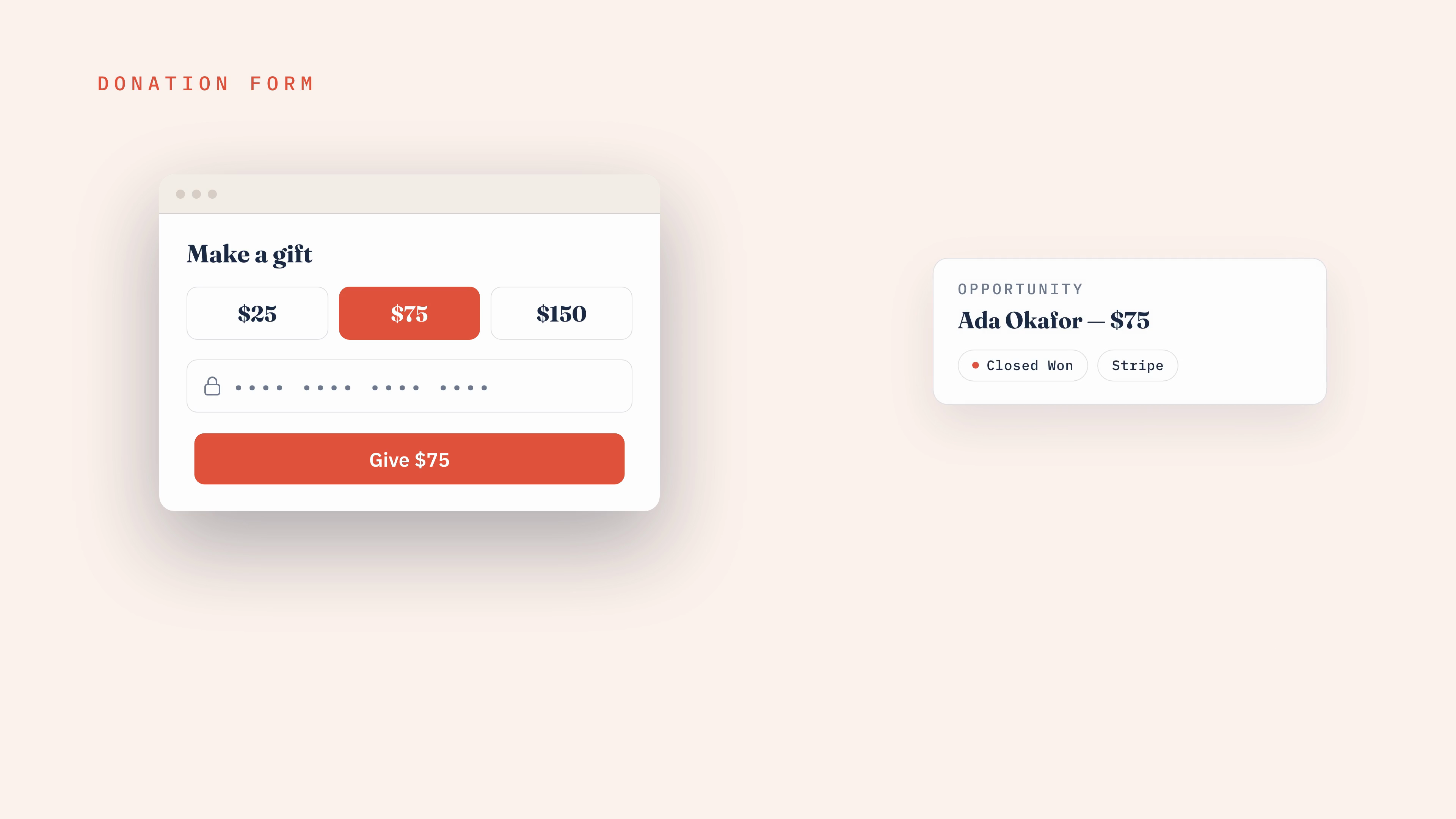
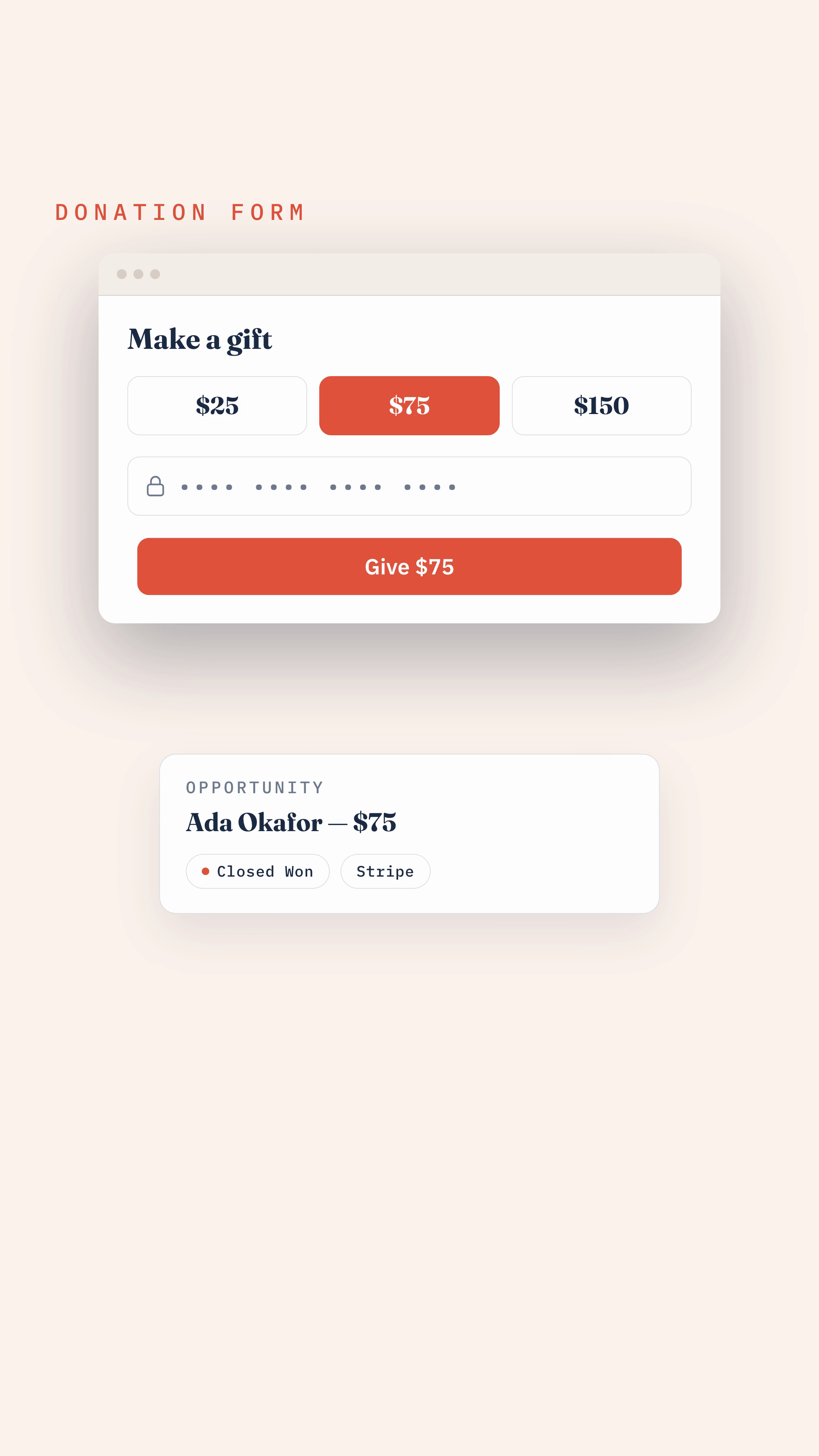
A public, guest-accessible donation form backed by Stripe's Payment Element — card and card-backed wallets, one-time or recurring — landing directly on the standard Opportunity object.
Donations & paymentsRecurring giving
Salesforce owns the billing schedule and charges the saved card off-session on its own cadence, with built-in dunning for failed payments — no external subscription system to reconcile.
Recurring givingCampaigns
Every fundraising ask is a standard Salesforce Campaign, themed with a reusable page design and composed from movable content and field blocks — no page-builder platform bolted on the side.
CampaignsEvents & ticketing
Ticketed events with tiered pricing and seat capacity, built on the same donation pipeline — and the same reporting — as every other gift.
Events & ticketingSeveral Stripe accounts, one org
Connect more than one Stripe account — a second entity, a fiscal sponsee, a restricted programme — and route each campaign to exactly one of them. Every account keeps its own credentials, and its Test or Live badge is read from the publishable key rather than picked from a menu.
Connecting StripeIt tells you what went wrong
A Diagnostic Logs tab inside the app shows what the package recorded about its own behaviour — filtered by level, context and date, stack traces on demand. A health check grades the org's configuration, and a nightly job deletes anything past the retention window you set.
Monitor and diagnoseHow a gift travels
Three hops, and none of them leave your org.
Your Stripe secret key lives in a Named Credential you build in Setup. This package never ships, stores, or creates a payment credential of its own.
Why native matters
The same five questions, answered two ways.
| Typical external platform | Pledgivo | |
|---|---|---|
| Donor data | Synced back to Salesforce on a schedule | Written directly to Salesforce, no sync job |
| Payment confirmation | Inbound webhook to a public endpoint | Salesforce re-fetches status from Stripe — no webhook to secure |
| Reporting | Requires a connector or an export | Standard Salesforce reports and dashboards |
| Sharing & security | A second permission model to maintain | Your org's existing sharing rules and permission sets |
| Person Accounts | Usually unsupported or bolted on | Detected at runtime, supported throughout |
Where to start
Pick the one that matches what you came here for.
Install & connect
Install the package, build the Stripe credentials, and take the setup assistant through record types.
Installation →Your first campaign
A guided walkthrough from creating a Campaign to publishing its donation page.
First campaign →Connecting Stripe
Build the credentials, add one or more Stripe accounts, and route each campaign to the right one.
Connecting Stripe →Monitor & diagnose
Watch gifts land, read what the app logged about its own behaviour, and set how long any of it is kept.
Monitor & diagnose →Everything you raise money with lives in one tab.
Campaigns, events, page designs and donation monitoring, all in the Fundraisers console — and the whole install checklist is graded against your org, live.
Working title
"Pledgivo" is a working product name. It does not appear in any Salesforce API name, field, or record type.